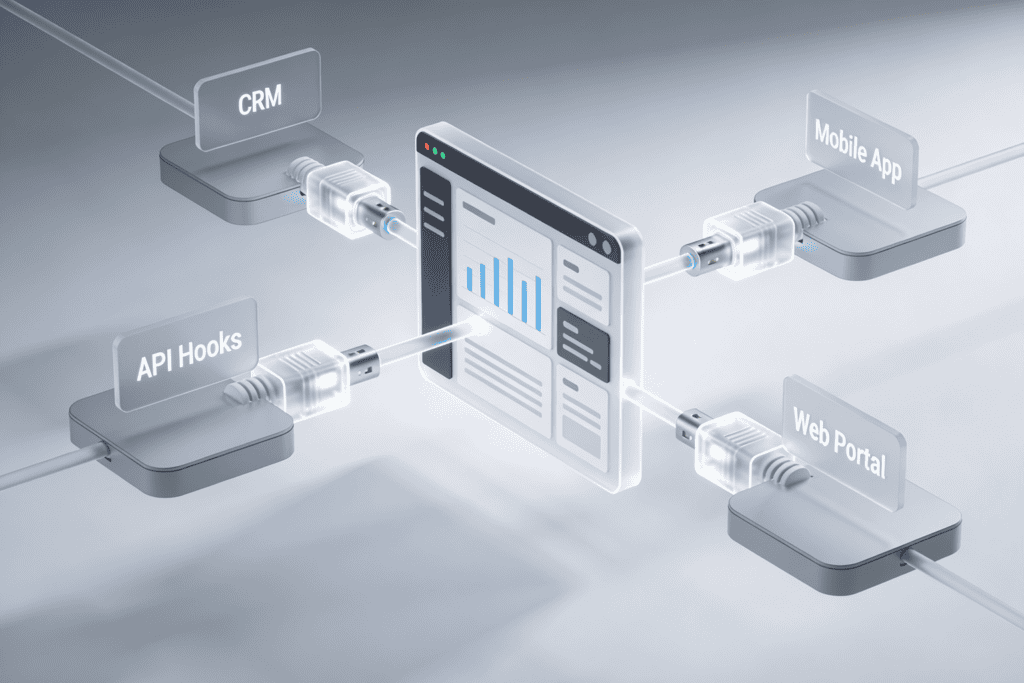
Connect every system where your team stores information. Cloud AI Manager supports native integrations with major platforms, file uploads, web scraping, and API connections.
Documentation Platforms
Google Drive, Notion, Confluence, SharePoint, Dropbox
CRM Systems
Salesforce, HubSpot, SALT CRM, Pipedrive
Communication Tools
Slack, Microsoft Teams, email archives
Project Management
Jira, Asana, Monday.com, Linear
Call & Meeting Data
Cloud Voice Manager transcripts, Gong, Chorus.ai
Google Drive
Connected
47 documents indexed
Slack Workspace
Connected
12,489 messages indexed
SALT CRM
Connected
2,341 records indexed
Get Answers with Sources You Can Check
Cloud AI Manager is designed to return answers tied back to underlying business material. That matters because teams do not just need a response – they need something they can trust enough to use in a quote, a customer conversation, a coaching review, or an internal decision.
Answers returned in plain English instead of raw search results
Source citations that point back to the original file, record, thread, or transcript
Follow-up questions that stay grounded in the same business context
A practical middle ground between keyword search and unsupported AI generation
What You Can Do with Cloud AI Manager
Connect your sources, let Cloud AI Manager index the content, and start asking questions across everything in one place.
Update CRM Records
“Update the deal stage for Acme Corp to Negotiation” — executed instantly
Create Tickets
“Create a Jira ticket for the login bug mentioned in #support” — done automatically
Send Messages
“Send a Slack DM to Sarah with the Q4 pricing sheet” — message sent with attachment
Generate Reports
“Pull all customer feedback from last month” — compiled and formatted instantly
Ask questions from the team environment people already use all day
Reduce repeated internal Q and A in busy team channels
Turn buried thread knowledge into something more reusable
Give new hires a faster path to answers without asking the same people over and over
Use It Directly in Slack
A lot of internal searching happens because someone does not want to leave the channel where the work is already happening. Cloud AI Manager can fit into that reality by supporting Slack-based knowledge workflows. Teams can ask a question, get a cited answer, and move forward without turning internal search into a separate task.
Surface Useful Answers during Live Calls
When Cloud AI Manager works alongside Cloud Voice Manager, the value shifts from passive search to in-the-moment assistance. Reps and agents do not need to pause the conversation, search through a folder, and hope they found the latest version. The platform can help surface relevant product details, pricing guidance, policy answers, and conversation context while the call is still live.
Sales reps can confirm product details without saying, "Let me get back to you."
Support teams can answer policy and process questions faster during active conversations.
Managers can use searchable transcripts and answer history for coaching and review.
Cloud Voice Manager becomes more useful because the AI knowledge layer is available in the same HMS ecosystem.
Separate knowledge models for sales, support, operations, or brand-level content
Tenant-aware scoping for businesses that need stronger separation
Role-based visibility so the wrong team does not see the wrong material
Cleaner answers because the retrieval layer is scoped to the right body of knowledge
Keep Teams, Data, and Permissions Separate
Not every team should search the same knowledge base in the same way. Cloud AI Manager supports multiple knowledge models so teams can separate content by use case, brand, geography, or department and still keep the experience simple for end users.
Operate It Like a Real Business System, Not a Toy Chatbot
Source Connection Management
Control what is indexed and when
Knowledge Model Administration
For teams, brands, or business units
Prompt and Answer Governance
Keep usage aligned with the business
Usage Insights
Show what users search for and where better source material may be needed
Connect It to the Rest of the Workflow
Cloud AI Manager is strongest when it fits naturally into the systems around it. API and automation hooks make that easier by giving HMS teams and connected businesses ways to extend search, retrieval, and answer delivery beyond a single interface.
Security and Access Controls Built In
Answers grounded in authorized source material
Role-based administration and model-level boundaries
Business-friendly controls around what gets connected and who can use it
A retrieval model built to help teams find information without flattening every permission boundary
See the Features in the Context of Real Work
A demo shows how Cloud AI Manager connects sources, returns cited answers, and fits into live sales, support, and internal knowledge workflows.